3D printing
The most-used equipment in the space. Two printers:
- Bambu Lab P2S (FDM) — the main workhorse. Textured build plate, sliced
with Bambu Studio. Single-colour setup (no AMS yet — multi-colour has
been discussed as an upgrade). A status bot reports on it:
/getstatusofthe3dprinter@StatusOf3DPrinterOfLatelierBot. - Anycubic Photon M3 (resin/SLA) — for high-detail parts. Ask David for the ~2 hour intro before using it. Its FEP film is a consumable and needs periodic replacement.
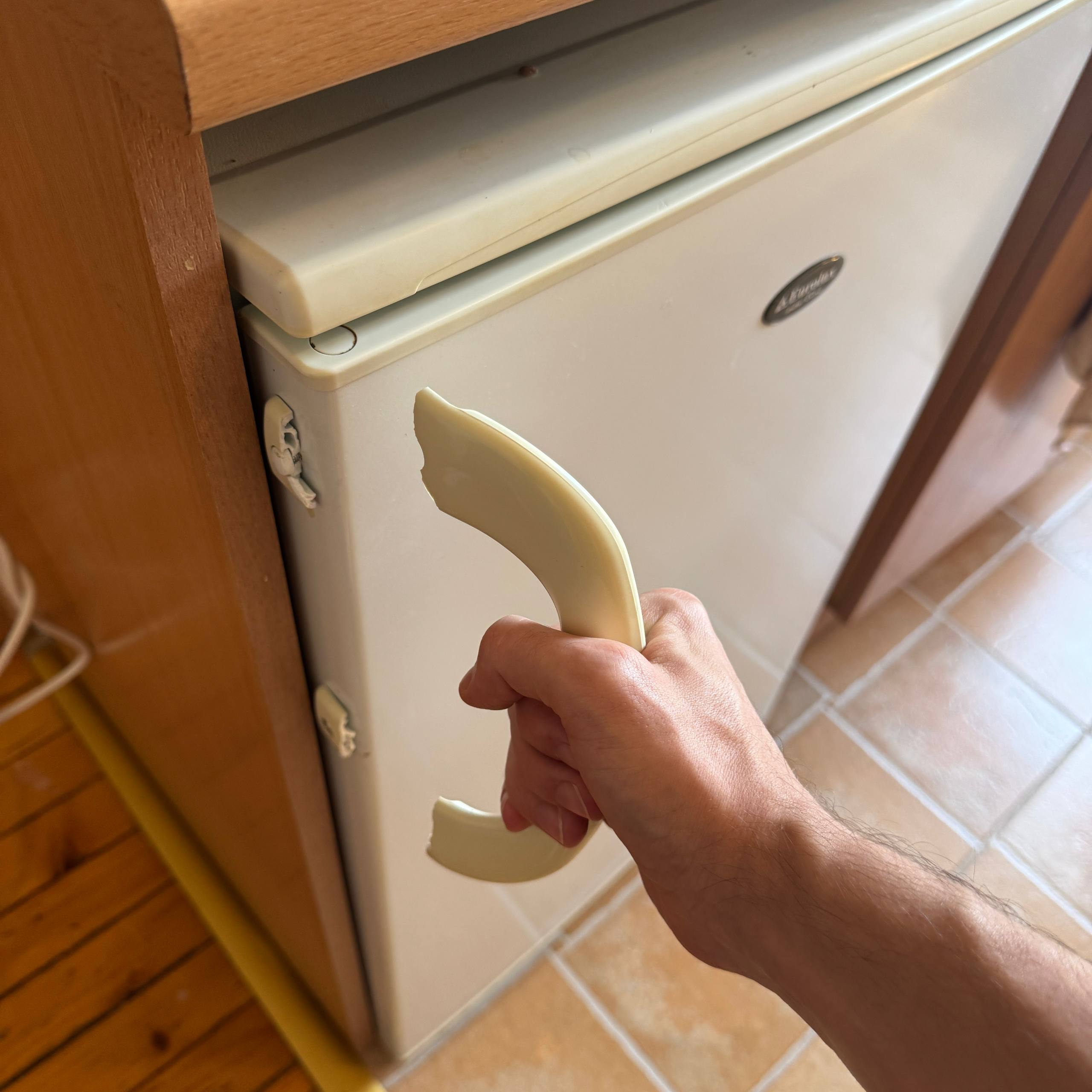
Some examples of what gets printed here:
 |
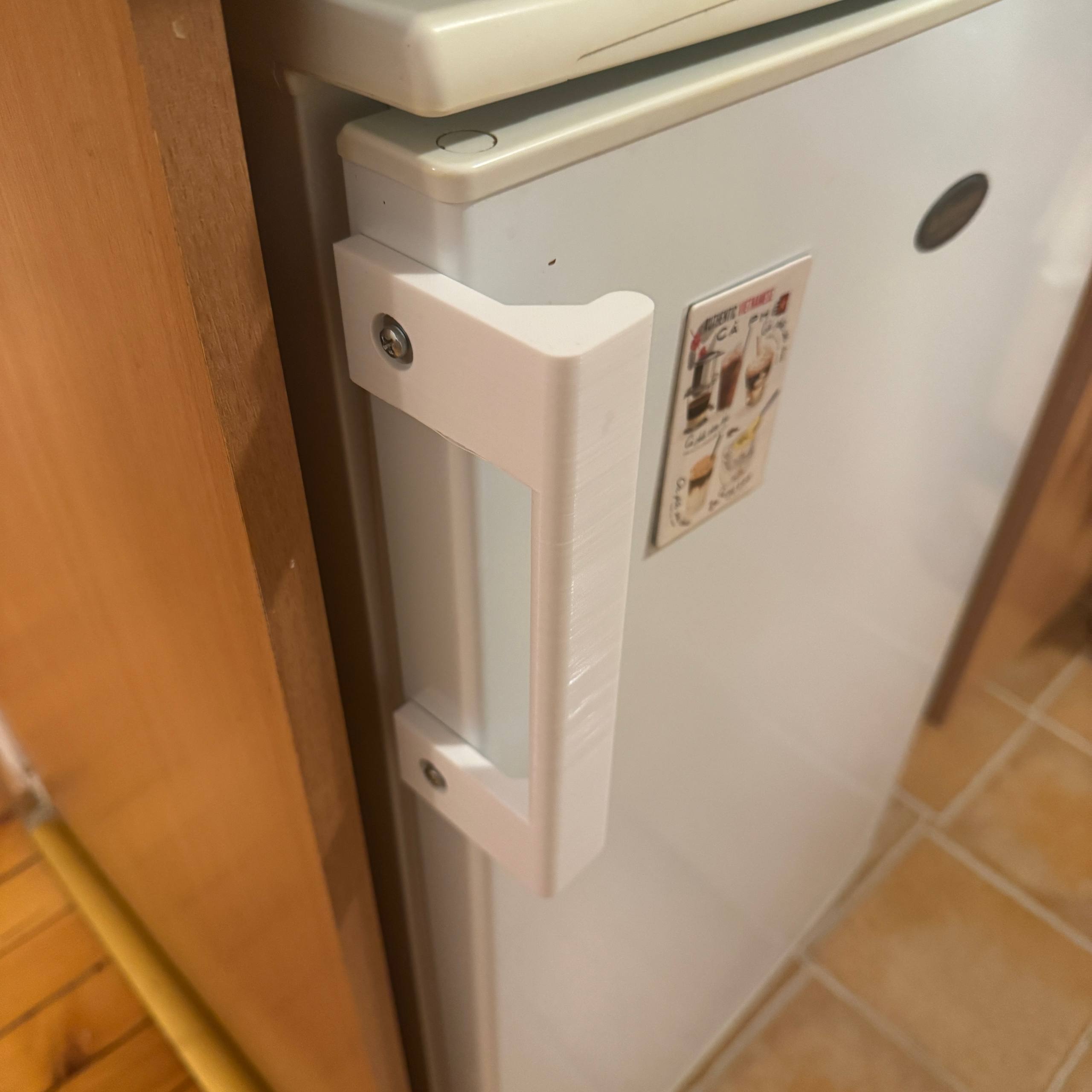 |
A broken handle and its 3D-printed replacement.
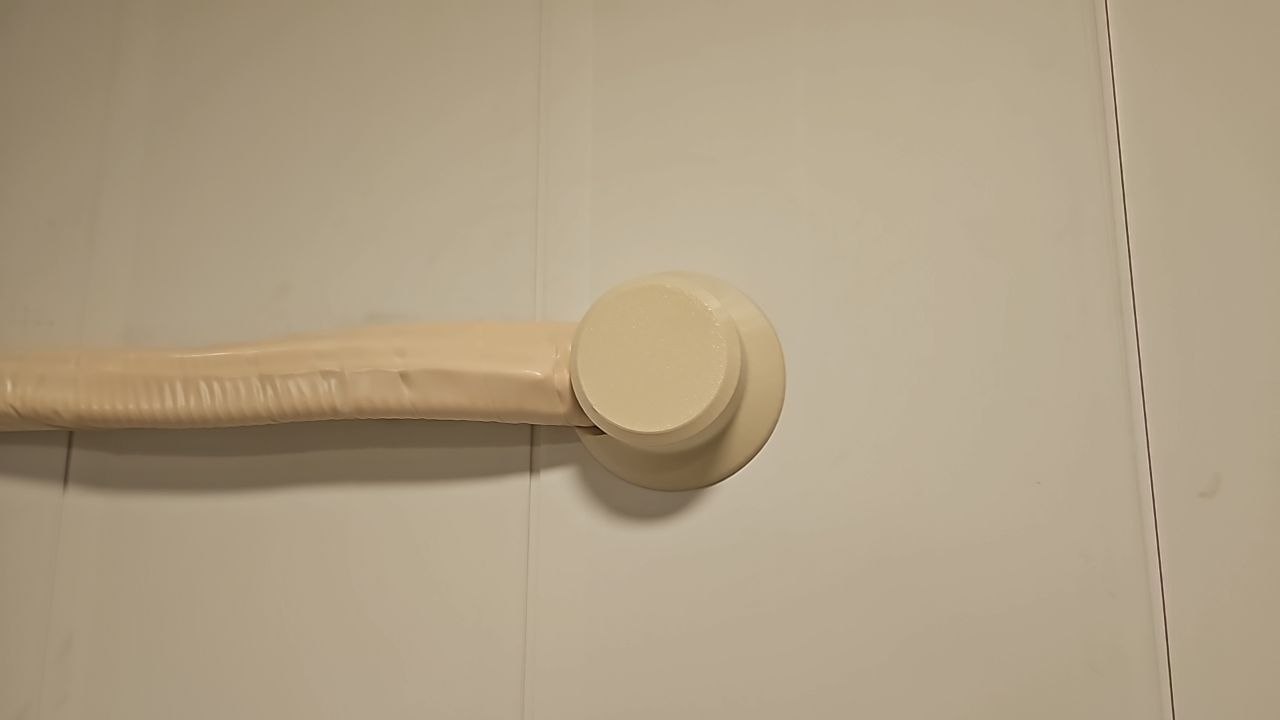
A printed cover for the hole the AC installer left behind (previous solution: a sock).
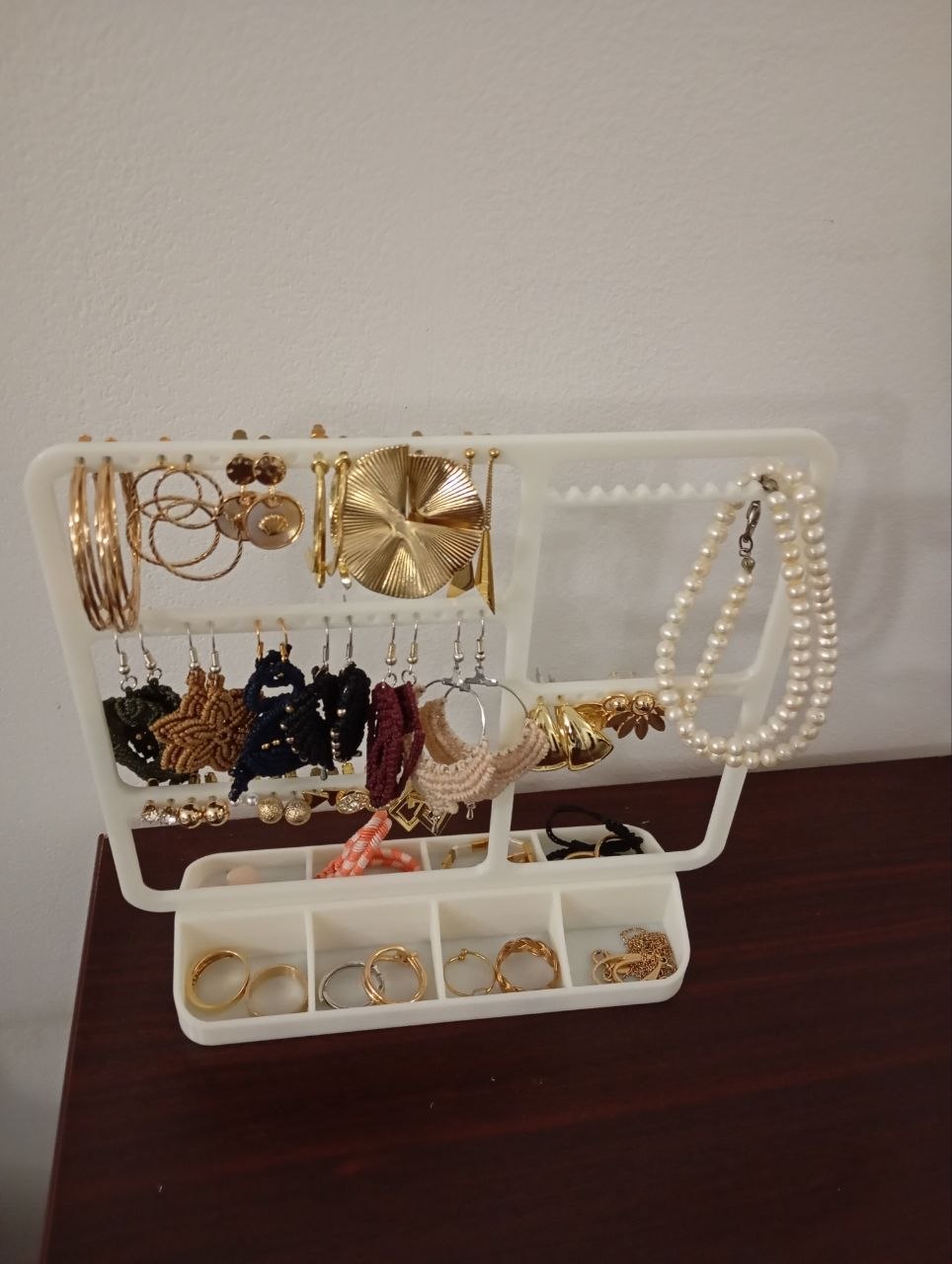
A printed jewelry stand.
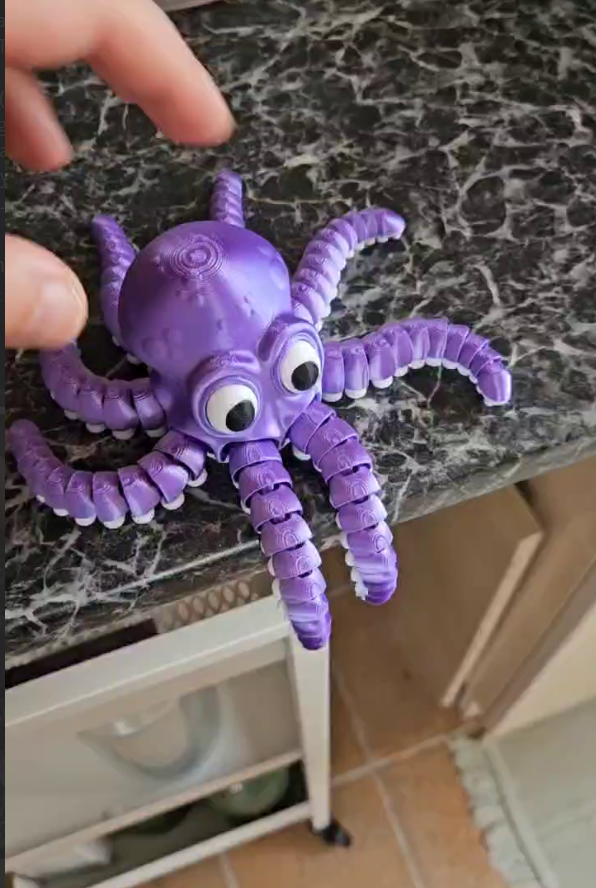
An articulated octopus, printed in one piece — the joints work straight off the plate.
The booking system
Post in the 3d printing Telegram topic when you start: "Printer busy until 14:30". That's it. For all-day multi-part jobs, announce in advance.
Getting filament
The space keeps a stock of PLA (various colours, including silk/gradient spools), PETG, and grey ASA. Corinne looks after the filament situation; members restock it collectively (recent 10-spool Sunlu order). If you print a lot, contribute spools or money. Good sources: 3dpro.bg (Bulgarian supplier — fast delivery, wide selection) and eMag. Note from experience: Sunlu doesn't ship white. Post in the group before throwing away spool boxes.
Filament care: unload filament back into its box after printing, and dry damp filament before long prints — damp filament gets brittle and is behind most mid-print snapping.
There are also threaded inserts for plastic prints — design a hole, heat the insert in, and your part takes a proper machine screw.
Getting prints to stick
Settings notes from the group:
PLA on the textured plate — no glue. PLA sticks well to a clean textured plate. Old glue residue actually fills the plate texture and causes failures. If PLA stops sticking: wash the plate with warm water and dish soap, dry it, print again. A follow-up wipe with ethanol helps. This has fixed "everything turns to spaghetti" multiple times.
Small or tall parts: add a brim (a checkbox in Bambu Studio). Locally described as "the game changer for small prints."
Warping / one side lifting: the printer's ventilation valve (which switches between cold outside air and warm chamber air) has jammed before, blowing cold air on one side of ASA prints. The printer warns when the valve fails — don't ignore that warning.
Filament snapping mid-print: old or damp filament gets brittle. Dry it before use. If filament jams at the extruder inlet, a broken-off piece may be stuck where the filament enters — that has to be cleared before it will extrude again.
Wrong material profile: PETG printed with PLA settings will detach mid-print. Check the filament type matches the slicer profile.
Learning
Maxime, Coco, and Loren all teach beginners. Several members went from never having touched a printer to printing their own designs within days. Design tools people use: TinkerCAD (easiest) and Onshape (proper parametric CAD, free for hobbyists, runs in the browser), plus sites like templatemaker.nl and STL splitters for oversized prints.
Cost
No per-print charge — be reasonable, and replace filament if you use a lot.